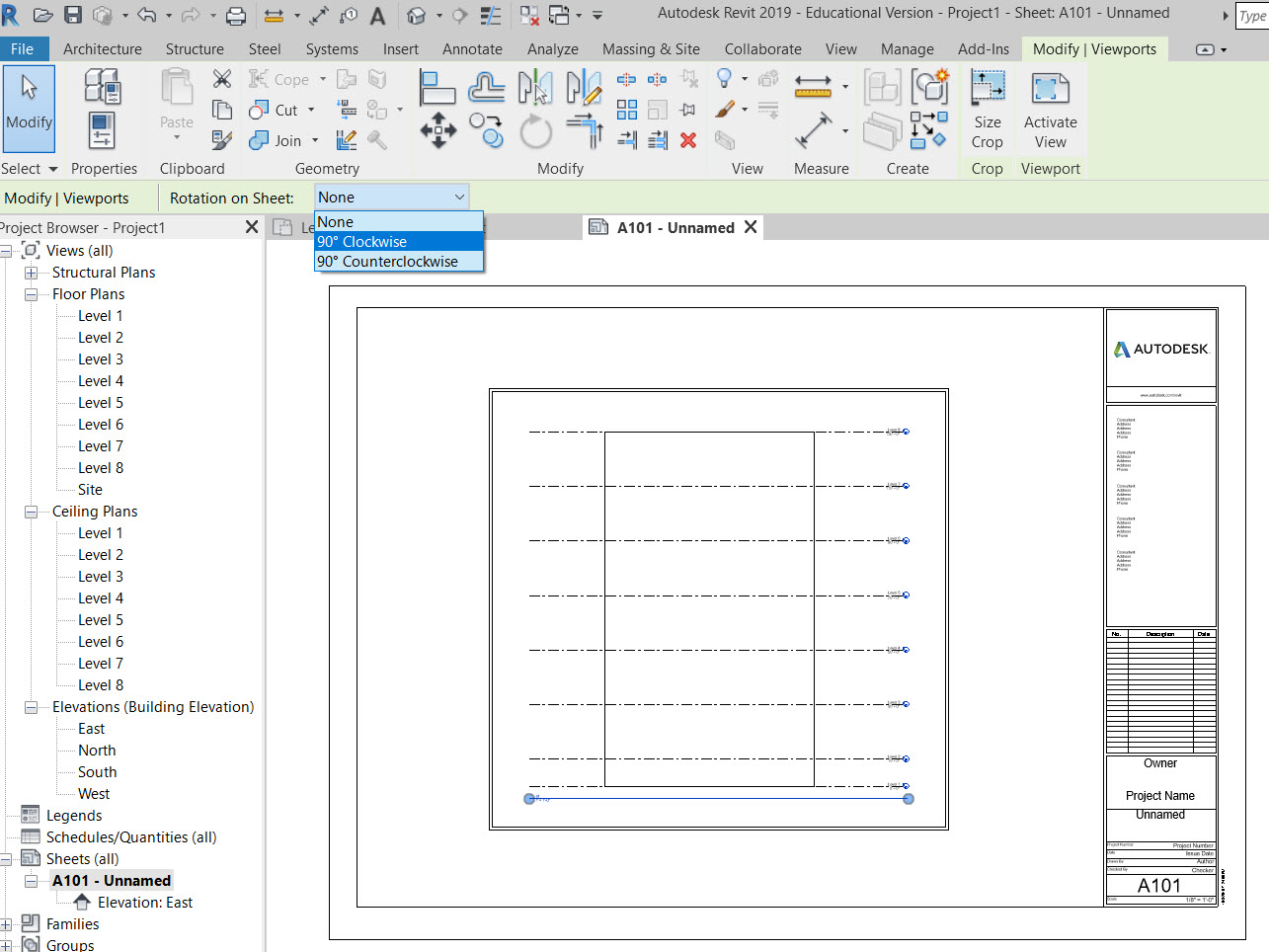
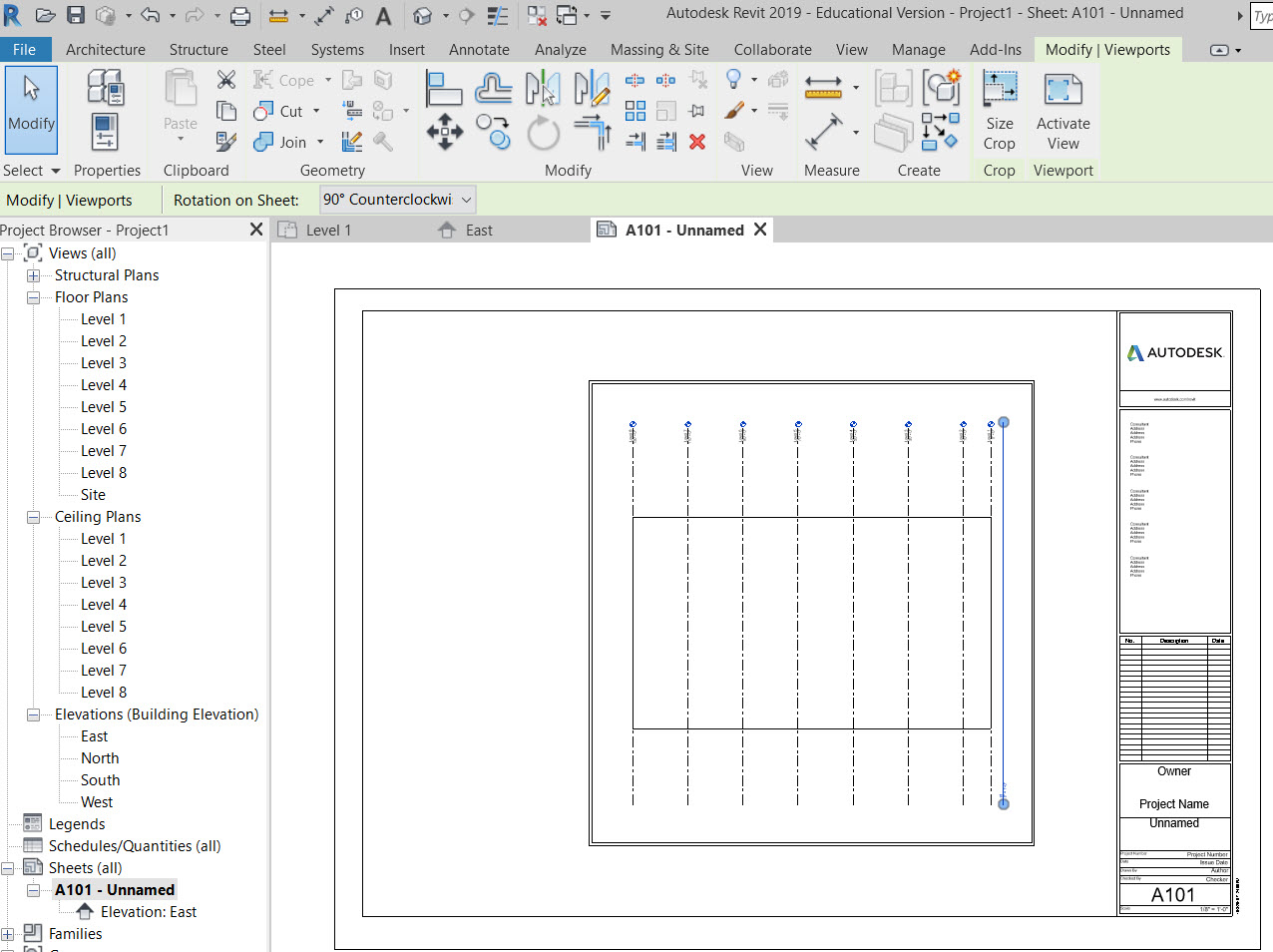
From the Sheet view – select the edge of the viewport. On the options bar at top select “ROTATE ON SHEET” choose 90 clockwise or counterclockwise.
Here is a YouTube video for reference
Print this page
From the Sheet view – select the edge of the viewport. On the options bar at top select “ROTATE ON SHEET” choose 90 clockwise or counterclockwise.
Here is a YouTube video for reference
Print this page
The OpenLab is an open-source, digital platform designed to support teaching and learning at City Tech (New York City College of Technology), and to promote student and faculty engagement in the intellectual and social life of the college community.



Leave a Reply